 The TK Stock Buddy plugin for Photoshop assists in downloading and using free images from Adobe Stock. It automates several Photoshop functions so that stock images can be quickly used as separate documents within Photoshop.
This plugin is FREE if you opt-in to receive update information from Tony Kuyper Photography. Jump to the download section.
Features include:
NOTE: This plugin and the installation document are English-only and have not been translated into other languages.
The Stock Buddy plugin can be docked with other plugins and Photoshop panels.
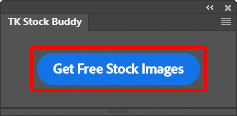
1. Click the "Get Free Stock Images" button—This opens Photoshop's "Browse Free Adobe Stock Images" dialog.
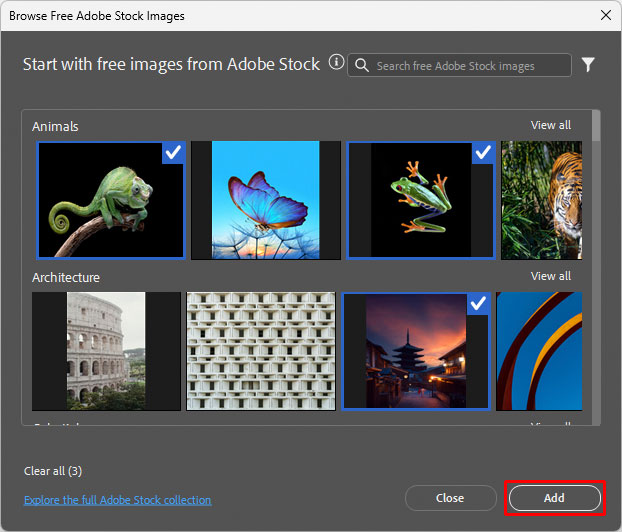
2. Choose images—In the dialog window, click on the images you want to download. A checkmark will appear in the upper right corner of selected images. When finished, click the "Add" button in the dialog window to start downloading the images.
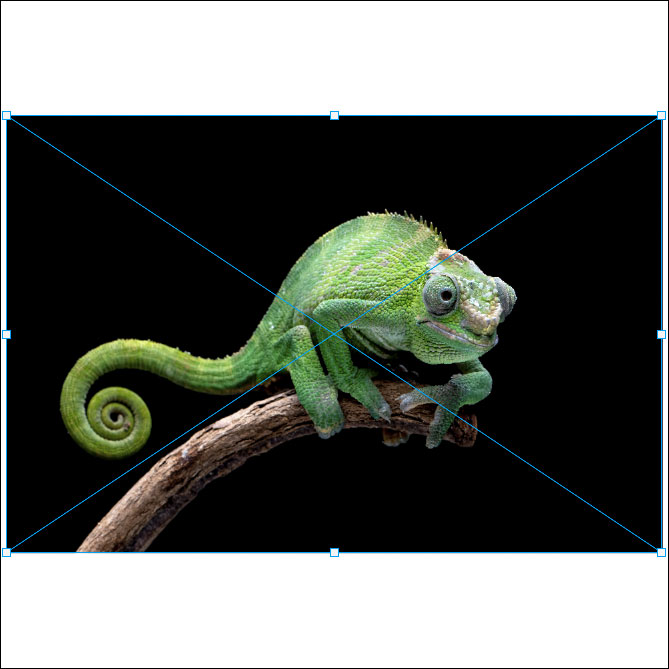
3. Hit "Enter" or double-click as each image downloads—When an image finishes downloading, the Free Transform bounding box will appear. When you see it, click the "Enter" key or double-click on the image. This allows the next image to be placed (if downloading multiple images).
4. Wait for the plugin to make separate images—Once all the images have downloaded, the plugin starts the process of creating a separate Photoshop document for each. NOTE: If the downloaded image does NOT have an embedded color profile, the plugin assigns the sRGB color profile by default.
The fly-out menu in the upper right corner provides access to additional options and resources.
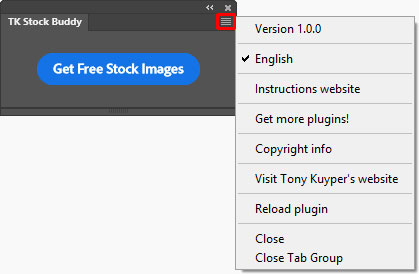
Instructions website—Opens a window using the computer's default browser to this webpage.
Get more plugins!—Opens a window using the computer's default browser to page on Tony Kuyper's website for downloading additional free and paid plugins and videos.
Copyright info—Opens a Photoshop window with the plugin's copyright information.
Visit Tony Kuyper's website—Opens a window using the computer's default browser to the index page of Tony Kuyper's website.
Reload plugin—Provides a method to manually reload the plugin in case it's not functioning properly.
The plugin is distributed in a download folder which includes installation directions (it's easy to install). Photoshop 2022 (version 23.3.0) or Photoshop Beta is required to install it, but testing was only done using the latest version of Photoshop. To get the free TK Stock Buddy plugin, follow the directions below.
